
Bulk edit products
To bulk edit products, go to Products → Bulk edit products. The bulk edit products page lists all current products.
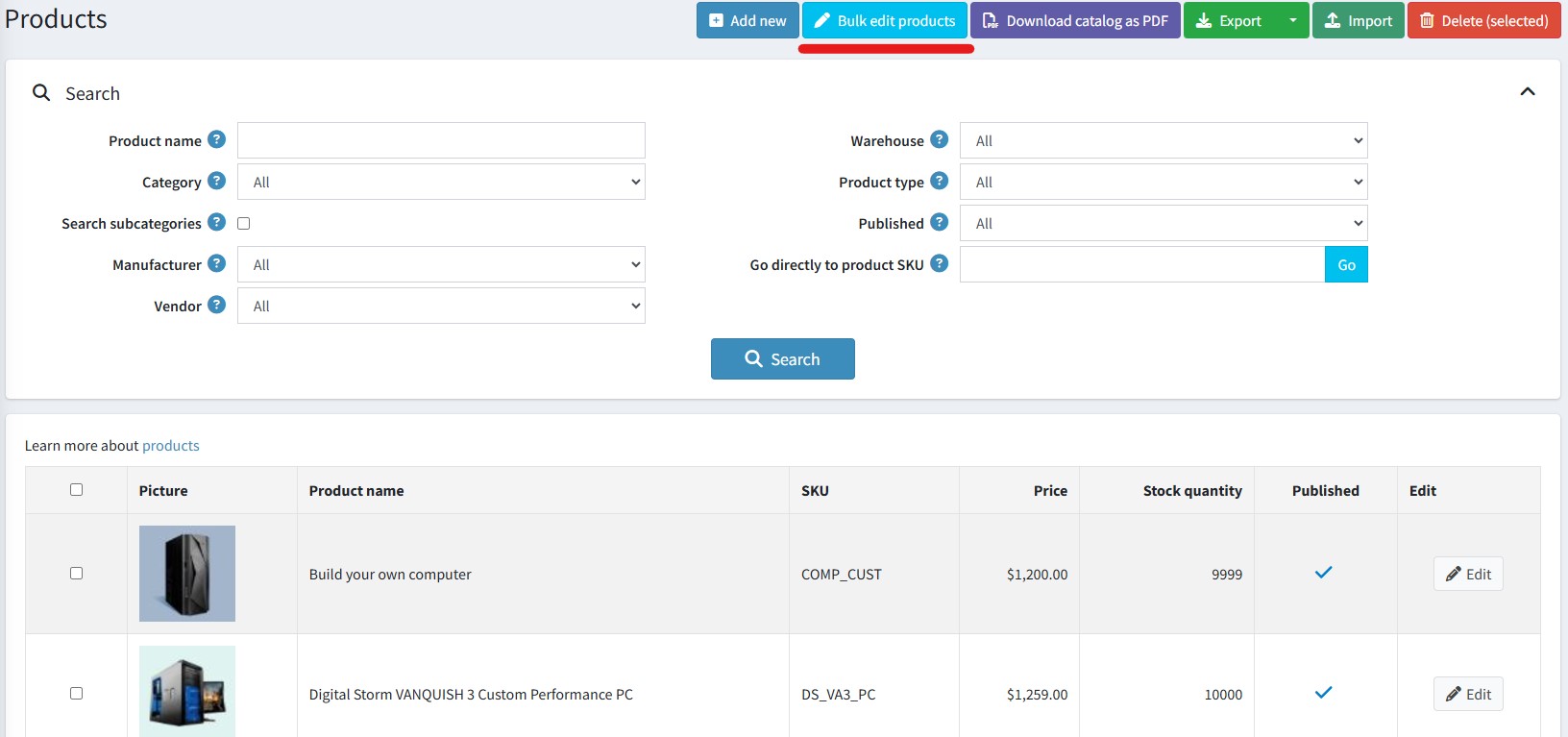
Usually, when you want to edit a product you go to the edit page of that product. It doesn’t matter with a small change but will become complicated and time-consuming when you need to modify a bunch of products.
The bulk product editing feature provides a simple and convenient way to bulk edit a portion of product information. The list of fields available for editing consists of:
- Product name
- SKU
- Price
- Old price
- Stock quantity
- Published
There is a 'Save selected' button and a 'Save all' button in the top right hand corner of the page. Once clicked, any new values entered will be saved to the database.
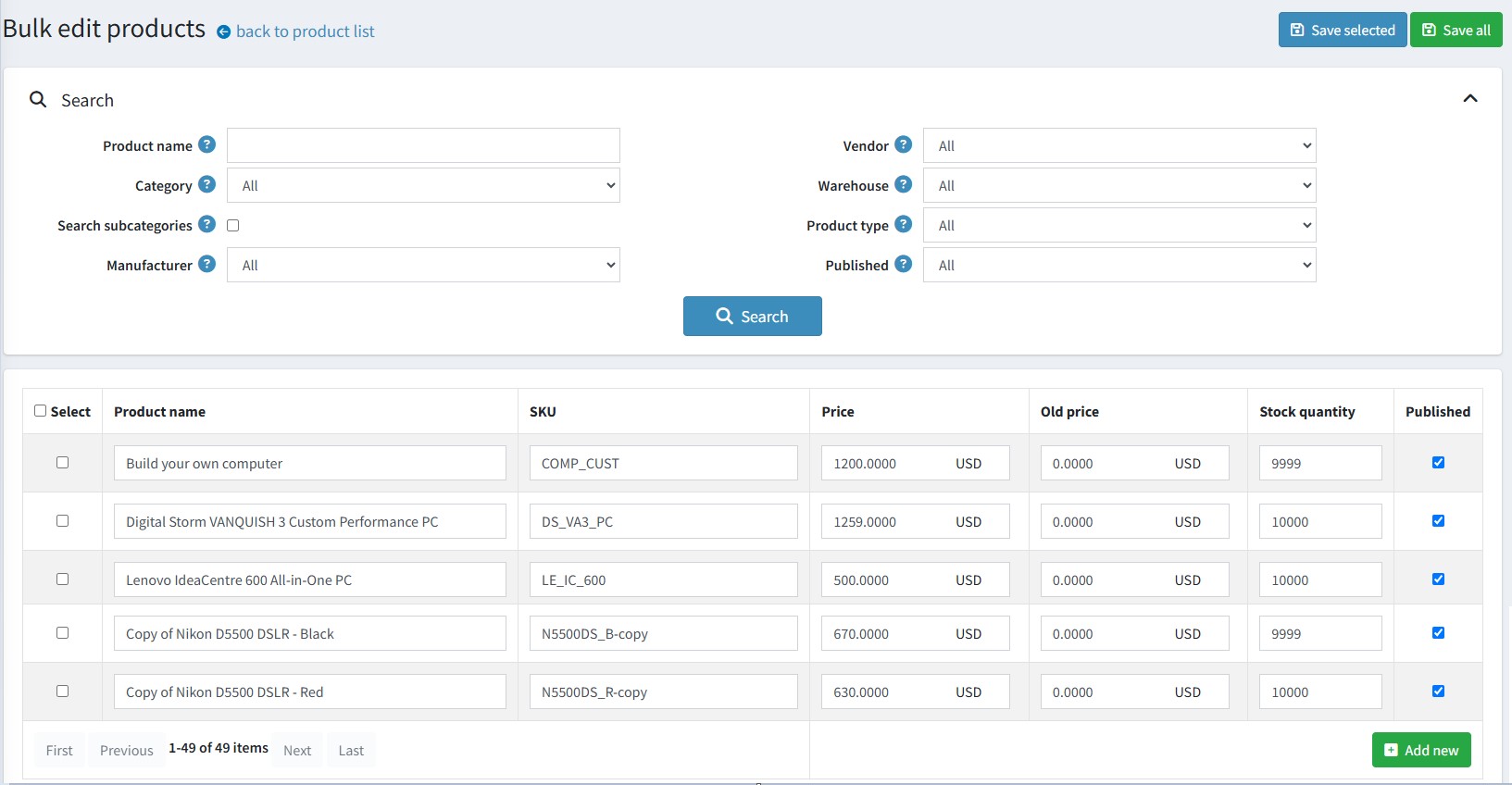
You can also add products by clicking the 'Add new' button at the end of the table.
