
Uploading your logo
The logo of your site is usually displayed on each site page in the page header. Your logo will look perfect in most nopCommerce themes regardless of which one you choose and how often you change it. Follow these steps to upload a new logo to your site:
Go to Configuration → Settings → General settings. The General settings window will be displayed:
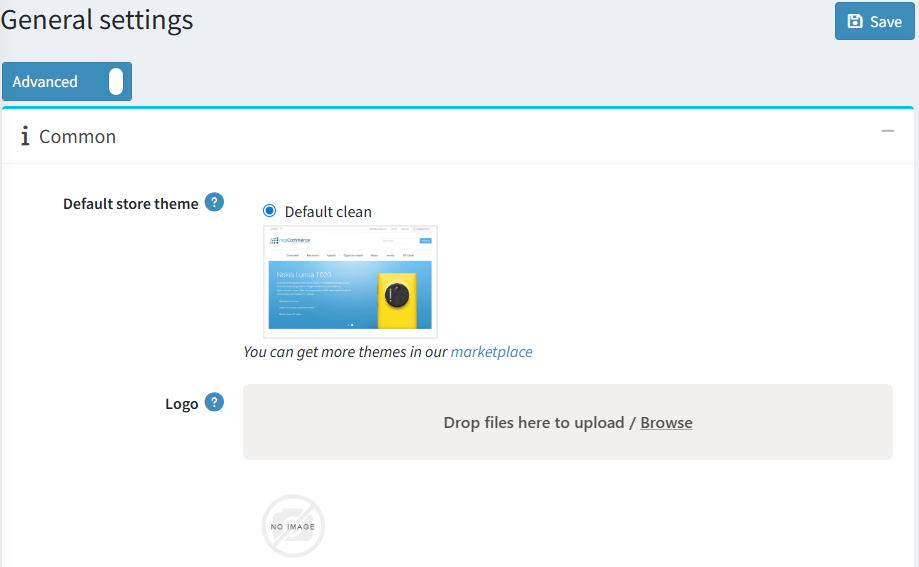
Find the Logo field, then click the Browse button beside it and choose an image file. The chosen image will be uploaded. You can remove the uploaded image by clicking the tap to undo button.

Click the Save button in the top right to activate the logo on your site.
Visit the public site to make sure the logo looks nice.

