
Dates and ranges
Delivery dates
Delivery dates are time ranges displaying approximate delivery time to a customer. The delivery dates can be applied to products and displayed on the product details pages.
- Go to Configuration → Shipping → Dates and ranges. The two following panels will be displayed in the Dates and ranges window:
Delivery dates panel
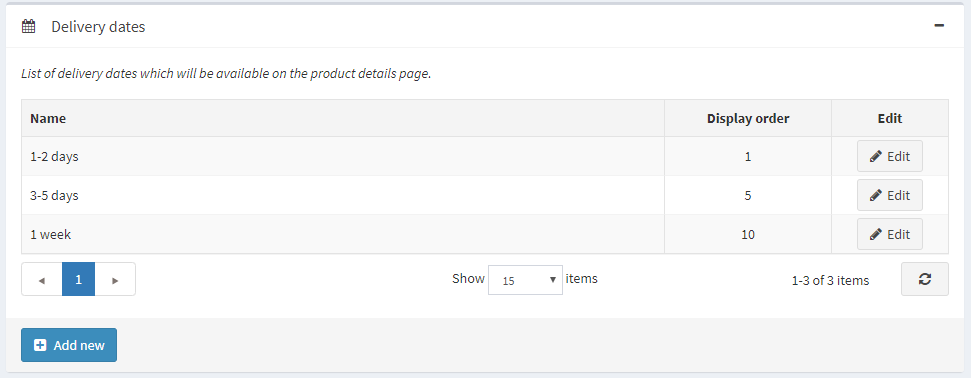
Click Add new. The Add a new delivery date window will be displayed:
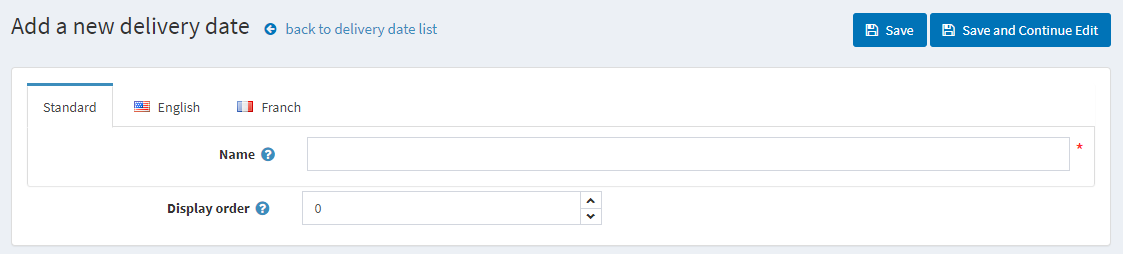
- In the Name field, enter the name of the new delivery date; usually, it is a date range.
- In the Display order field, enter the display order of this delivery date. 1 represents the top of the list.
Click the Save button.
Product availability ranges panel
Here, you can set up product availability ranges. These options will be displayed on the product editing page.
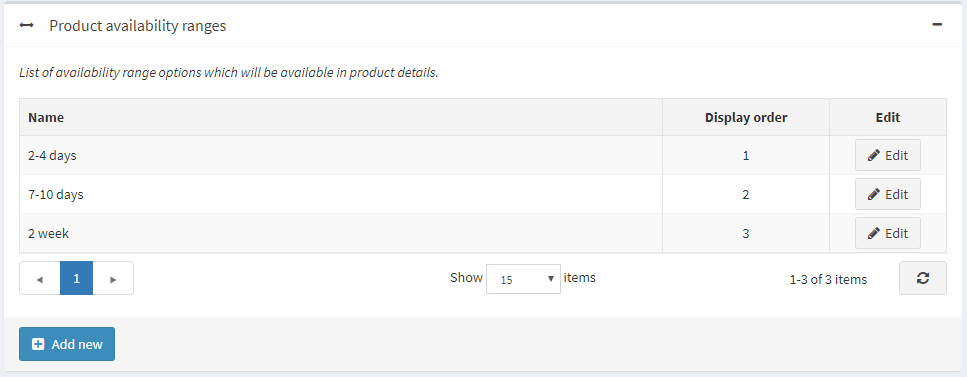
Click Add new to add your own range. The Add a new product availability range window will be displayed:
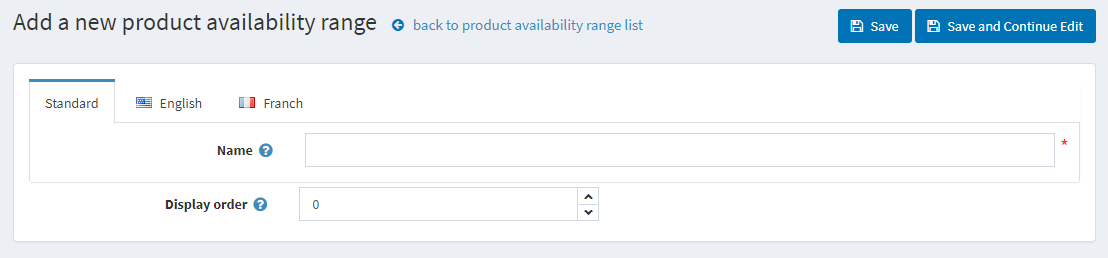
- In the Name field, enter the name of the new range, for example, 2 months.
- In the Display order field, enter the display order of this availability range. 1 represents the top of the list.
Click the Save button.


